Key Takeaways
- Encrypt Everything: Always use full-disk encryption (BitLocker/FileVault) to protect data if a device is stolen.
- Avoid Public USBs: Public charging ports can be tampered with; use a USB data blocker to charge safely.
- Ditch SMS MFA: Use an Authenticator App instead of SMS-based codes to maintain access when you change SIM cards.
- Public Wi-Fi Hygiene: Never browse without a VPN and disable "auto-join" settings on your devices.
The Hidden Digital Dangers Nobody Warns You About
Your smartphone holds the keys to your life: bank accounts, private photos, and work emails. Yet, when we travel, we often treat digital security as an afterthought, leaving our devices exposed on public Wi-Fi or at charging stations. Protecting your digital life doesn’t require a degree in computer science—it just takes a few smart, intentional habits before you leave home.
A few days later, my credit card company locked my account because someone was trying to make massive purchases halfway across the world. My relaxing vacation instantly turned into an absolute nightmare. I spent hours on international calls, dealing with frozen accounts, and feeling incredibly stressed out.
People are getting their emails hacked, their identities stolen, and their private photos compromised all because they missed a few simple settings on their devices. The mental toll this takes on a person is heavy. Instead of enjoying a beautiful foreign city, you end up freezing your bank accounts and changing passwords in a panic.
This happens to thousands of honest, hardworking people every single day. The good news is that you do not need to be a technology expert to build a digital fortress around your personal information.
Building Your Digital Defense Shield Before You Board
You do not have to be completely disconnected to stay safe while exploring the world. Let us walk through some incredibly practical, everyday habits that will lock down your sensitive information. These are things you can do right now from your couch before you even pack your suitcase.
Rethinking Your Internet Connection Abroad
Connecting to free Wi-Fi is often the first thing we do upon landing, but this convenience creates a massive security gap. Here is how you can stay online without opening the door to cybercriminals.
However, open internet connections are the easiest playground for cybercriminals. Hackers can easily set up fake networks that look completely legitimate, naming them things like "Free Airport Guest Wi-Fi." Once you connect to their network, they can see everything you type, including your passwords and personal messages.
To fix this, you need to rely on a Virtual Private Network (VPN) every single time you connect to public internet. Think of a VPN as a secret, dark tunnel for your internet traffic. Even if someone is watching the network, all they will see is a bunch of scrambled, unreadable code.
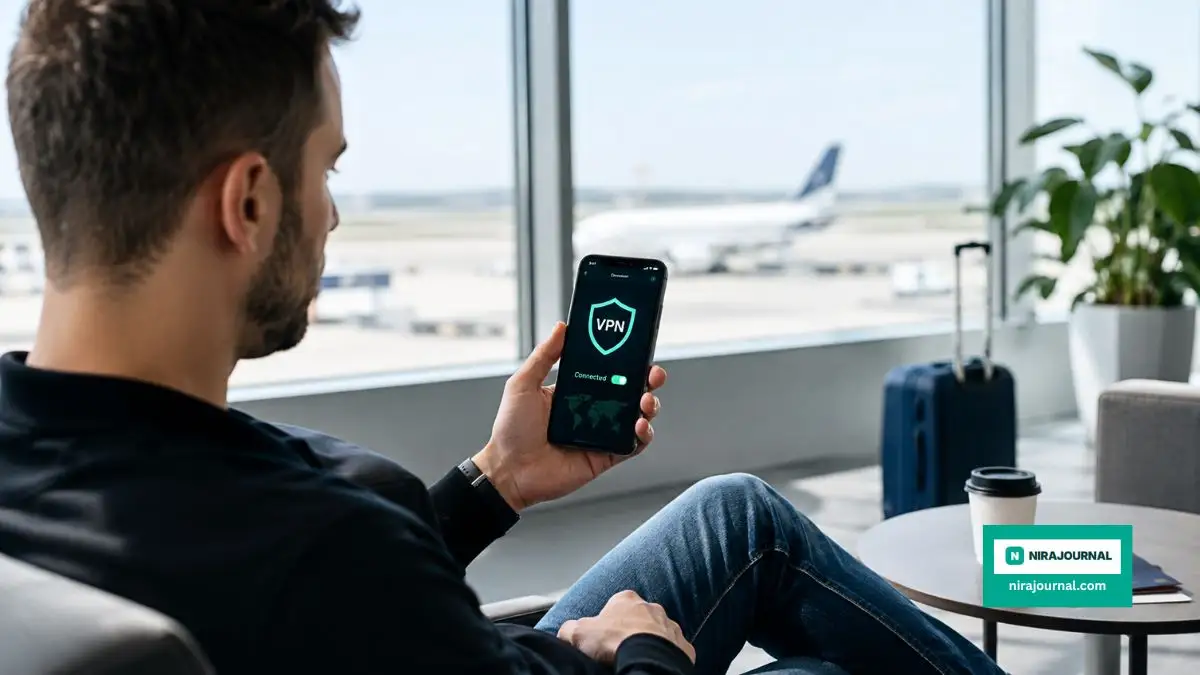
Make sure you download and log into your trusted VPN app while you are still at home on a secure network. Some countries completely block access to VPN websites, making it impossible to download the software once you arrive.
You should also turn off the "auto-join networks" feature in your smartphone settings. This simple action stops your phone from silently connecting to dangerous networks while it sits in your pocket. Always verify the exact name of the official Wi-Fi with hotel staff or airport information desks before you press connect.
Physical Device Security and Heavy Encryption
Losing your phone or having your laptop stolen is a terrible reality of international travel. Pickpockets in popular tourist destinations specifically target expensive electronics. If someone steals your laptop, the physical cost of the machine is nothing compared to the sensitive data stored inside it.
If your device is not properly encrypted, a thief can simply remove your hard drive, plug it into another computer, and read all your files. They will have access to your tax documents, personal photos, and saved passwords.
This is why full-disk encryption is an absolute necessity. If you use a Windows laptop, you can turn on a feature called BitLocker. If you are an Apple user, you should immediately enable FileVault in your system settings.
My Personal Pro Tip: I used to think a strong login password was enough to protect my laptop from thieves. My biggest realization came when a security friend showed me how easily he could bypass my password using a cheap USB drive. I immediately turned on hard drive encryption, and now I never travel without it.
Mobile phones have excellent built-in encryption, but it only works if you use a strong passcode. A simple four-digit pin like "1234" or your birth year is incredibly easy for criminals to guess. Change your phone unlock code to a six-digit alphanumeric password before you head to the airport.
For additional safety, set your devices to automatically wipe all data after ten failed login attempts. This guarantees that your information destroys itself if a thief tries to guess your password repeatedly.
Preparing Your Financial Accounts and Digital Assets
Traveling internationally naturally triggers security alerts with your bank. If you do not notify them of your travel plans, they might block your cards after your first purchase abroad. However, managing your money internationally goes far beyond just calling your bank.
You should never access your primary bank accounts from a public computer in a hotel business center. Those shared computers often have hidden software called keyloggers, which silently record every keystroke you make. Always use your own personal, encrypted device to check your balances.
If you invest in digital currencies, you need to be extremely careful about how you carry your portfolio across borders. Logging into cryptocurrency exchanges on foreign networks can flag your account for suspicious activity, leading to sudden account freezes.
If you are new to the world of digital money and want to understand how to manage it safely, I highly recommend checking out our guide on Decoding Complex Cryptocurrency Terminology for the Everyday Traditional Investor. It breaks down everything you need to know in very simple terms.
Before you leave, remove any financial apps from your phone that you absolutely do not need for the trip. If you only plan to use one credit card and some cash, there is no reason to carry the mobile apps for your entire investment portfolio in your pocket.
The Multi-Factor Authentication Challenge
You probably already use Multi-Factor Authentication (MFA) to protect your email and bank accounts. Usually, this means the bank sends a six-digit text message to your phone when you try to log in.
While text messages are better than nothing, they are incredibly problematic when you travel internationally. What happens if you take your regular SIM card out to use a local data plan? You will completely lock yourself out of your own accounts because you cannot receive the security texts.
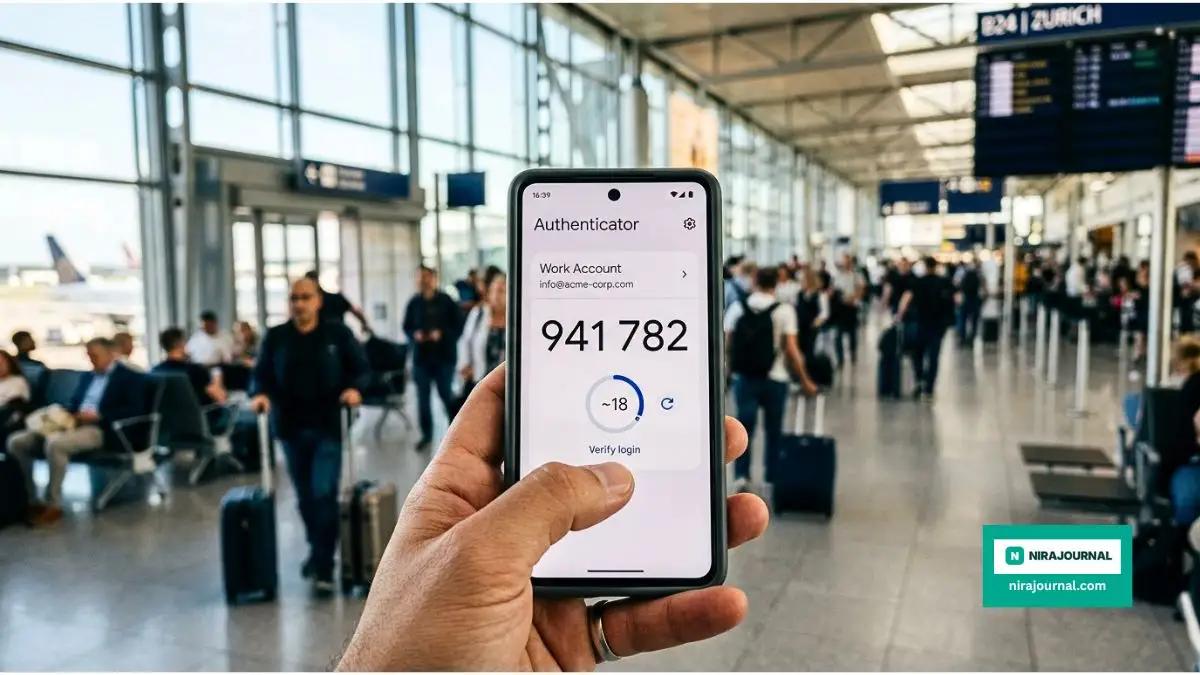
Instead of relying on SMS text messages, you need to switch to an Authenticator App. Programs like Google Authenticator, Authy, or Microsoft Authenticator generate security codes directly on your phone. They do not require a cell phone signal or an internet connection to work.
Here is exactly why you need to switch to an Authenticator App today:
Watch this incredible breakdown of how easily text messages can fail you during travel, and why app-based security is your best option.
Take an hour before your flight to log into your most important accounts. Change the security settings to use the authenticator app instead of your phone number. This simple switch will save you from massive headaches when you need to access your email from a foreign country.
It is also incredibly smart to generate backup codes for your most important accounts. Print these codes on a physical piece of paper and hide them securely inside your luggage, completely separate from your phone.
I’ve found that printing a few physical "backup codes" for my email and storing them in my passport sleeve is a lifesaver. If your phone battery dies or you lose the device entirely, those paper codes are often the only way to regain access to your digital life while abroad. Just make sure to keep that paper somewhere safe where it won't be easily seen by others.
Safeguarding Professional and Business Data
If you are carrying a work laptop or managing your own company while traveling, the stakes are significantly higher. A data breach could compromise not just your personal information, but your entire business network.
Many small business owners make the mistake of mixing their personal vacation photos and highly sensitive client data on the exact same laptop. If that single device gets compromised, the whole company suffers.
Creating a strong separation between work and play is a major part of overall business safety. If you are looking to build a better protective wall around your company, you will definitely want to read our upcoming article on Strategic Frameworks for Structuring a Bulletproof Small Business Continuity Plan.
Always consult with your IT department before taking company hardware overseas. They might need to install Mobile Device Management (MDM) software. This software allows them to track the laptop and completely erase it from thousands of miles away if it gets lost or stolen.
If you run your own business, consider buying a relatively cheap, secondary laptop exclusively for travel. Only put the specific files you absolutely need for that single trip onto this temporary machine. Keep your main computer safely locked away in your home office.
Managing Your Cloud Storage and Automatic Backups
One of the biggest mistakes travelers make is relying on a single physical device for all their memories. Imagine spending two weeks taking beautiful photos of your family, only to drop your phone in the ocean on the final day. If those photos are not backed up, they are gone forever.
However, backing up data while traveling requires a smart strategy. You should set your phone and laptop to automatically back up to a secure cloud service, like Google Drive or Apple iCloud.
According to Federal Trade Commission (FTC) guidelines on protecting your information, you should actively manage what gets backed up and when. Make sure your devices are set to only perform heavy backups when connected to a secure, private Wi-Fi connection, rather than burning through your limited travel data plan.
While cloud storage is amazing, you should also carry a tiny, encrypted physical hard drive. Every night in your hotel room, take five minutes to copy your new photos and important documents onto this drive. Store the hard drive in the hotel safe.
This creates a perfect backup system. If your phone gets stolen on the street, you still have the hard drive in the hotel. If the hotel room gets robbed, your data is already safely floating in your encrypted cloud storage.
Travel Security Pre-Flight Checklist
- Update OS: Run all system and app updates.
- VPN Check: Verify your subscription is active and logged in.
- Data Blocker: Pack a "USB condom" for airport charging.
- MFA Setup: Move primary accounts from SMS to an Authenticator app.
- Physical Backup: Copy sensitive docs to an encrypted external drive.
The Myth of Secure Hotel Business Centers
Many travelers assume that because a hotel is expensive, their business center computers must be completely secure. This is a very dangerous myth.
Public computers in hotel lobbies are used by hundreds of strangers every single week. You have no idea what kind of malicious software the previous guest might have accidentally or intentionally installed on that machine.
Never use a hotel computer to print your boarding passes if it requires you to log into your personal email account. The moment you type your password on that keyboard, it could be recorded and sent directly to a cybercriminal.
If you absolutely must print something, ask the hotel front desk for their direct public email address. Use your personal, secured phone to forward the document to the hotel staff, and ask them to print it for you. This keeps your passwords completely off their shared machines.
Update Everything Before You Pack
We all have a habit of ignoring those annoying software update notifications on our phones and laptops. We just click "remind me tomorrow" because we are busy.
When you travel internationally, running outdated software is like leaving your front door unlocked. Cybercriminals constantly look for old, known weaknesses in popular operating systems. Tech companies release software updates specifically to patch these security holes.
According to official safety alerts from the Cybersecurity & Infrastructure Security Agency (CISA), keeping your software fully updated is one of the most effective ways to block hacking attempts.
Spend the night before your flight sitting on your couch and updating everything. Update your phone's operating system, update your laptop, and most importantly, update all the individual apps you plan to use. Pay special attention to your mobile banking apps, your VPN, and your email client.
Managing Bluetooth and Location Services
We leave Bluetooth turned on 24/7 because we love our wireless headphones and smartwatches. However, leaving Bluetooth constantly searching for connections in a busy international airport is a major privacy risk.
Hackers can use open Bluetooth connections to track your movements, discover the name of your device, and in some rare cases, force a connection to send you malicious files. This tactic is often referred to as "Bluebugging" or "Bluejacking."
Get into the habit of turning off Bluetooth completely when you are not actively using your headphones. Do not just disconnect the headphones; go into the actual settings menu and toggle the Bluetooth switch to the off position.
The same rule applies to your GPS and location services. You obviously need location services for maps and navigation while walking around a new city. But you do not need to share your real-time location with every single app on your phone.
Go through your app permissions and restrict location access. Set your maps app to "Only While Using" rather than "Always On." This not only protects your privacy from data brokers, but it also saves a massive amount of battery life on your phone.
Traveling the world is an incredible experience that broadens your mind and creates lifelong memories. You should be completely focused on trying new foods, learning new cultures, and taking beautiful photos. By taking just a few hours before your flight to apply these practical security steps, you give yourself the ultimate gift: total peace of mind.
Next-Level Data Protection Tactics for Frequent Flyers
Once you have mastered the basics of passwords and basic encryption, it is time to look at some truly advanced strategies. These are the secrets that seasoned business travelers and cybersecurity professionals use to stay completely invisible to hackers. You do not need a computer science degree to use these tricks.
One of the sneakiest threats in modern travel hides right in plain sight at the airport charging station. We all know that sudden panic when your phone battery drops to five percent right before your boarding group is called. You spot a free public USB port near a waiting area, and you immediately plug in your device to get a quick boost.
What most travelers do not realize is that standard USB cables do two things at once. They transfer battery power, but they also transfer data. Hackers can easily modify public charging kiosks to silently install malware on your phone the second you plug it in.
This terrifying technique is known as "juice jacking." According to official Federal Communications Commission (FCC) consumer warnings regarding juice jacking, criminals use these compromised ports to steal your passwords or lock your device entirely.
The easiest way to defeat this invisible threat is by purchasing a tiny device called a USB data blocker. People often call these "USB condoms." You plug this little adapter into the public port first, and then plug your charging cable into the adapter.
The data blocker physically removes the data connection pins from the equation. It allows the electricity to flow into your battery, but it builds an absolute brick wall against any data trying to enter or leave your phone.
Another incredibly smart tactic is setting up temporary travel accounts. If you are going to a high-risk location, do not bring your main laptop that holds ten years of your family history and personal tax returns. Instead, carry a secondary, inexpensive laptop that you only use for traveling.
You can also apply this exact same logic to your money. Instead of swiping your primary bank debit card at random foreign ATMs, use a virtual credit card or a dedicated travel card with a strict spending limit. If that specific card gets skimmed or copied by a dishonest vendor, the thief only gets access to a tiny amount of money.
If you are a professional who loves analyzing numbers, you might find joy in tracking these separate travel budgets and digital logs. For those who want to turn their personal data tracking into a real skill, you should definitely check out these Essential Open-Source Platforms for Mastering Advanced Data Analysis at Your Own Pace.
Finally, let us talk about your physical surroundings during international border crossings. When you enter a new country, customs agents sometimes ask to inspect your digital devices. If you use biometric unlocks, like Face ID or a fingerprint scanner, a border agent can legally compel you to unlock your phone simply by holding it up to your face.
However, in many legal jurisdictions, you cannot be forced to hand over a memorized numeric passcode. According to extensive legal research from the Electronic Frontier Foundation (EFF) on digital privacy at international borders, powering down your phone completely before you reach the customs line is a very smart move.
When you turn your smartphone back on, it always requires your actual typed passcode before Face ID will work again. This simple action adds an immediate layer of legal and technical protection while you are interacting with foreign authorities.
The Worst Digital Traps Travelers Constantly Fall Into
Even if you install all the right software, simple human error can entirely ruin your travel security. Hackers know exactly how exhausted and distracted we get after sitting on an airplane for twelve hours. They patiently wait for us to make completely avoidable mistakes.
One of the most dangerous blunders happens before you even arrive at the airport. It usually starts when you are excited about your upcoming vacation and you decide to post a picture of your boarding pass on social media. You might think you are just sharing your joy with your friends, but you are actually handing criminals the keys to your life.
That little barcode printed on your boarding pass holds an alarming amount of personal information. Anyone can take a screenshot of your social media post, run the barcode through a free online scanner, and instantly find your full legal name and your frequent flyer number.
With that information, a malicious person can log into your airline account, cancel your return flights, change your seat assignments, or steal your collected miles. Always shred your physical boarding passes when your trip is over, and never post them on your Instagram story.
Another massive trap is blindly trusting the hotel room safe. We assume that a heavy metal box bolted to the wall will perfectly protect our expensive tablets and laptops.
The reality is that hotel safes are notoriously insecure. Almost every hotel safe has an override master code that allows the management to open it if a guest forgets their pin number. Unfortunately, many hotels never bother to change the default factory master code, which is usually something incredibly simple like "000000" or "123456."
Anyone with basic internet access can search for the brand of your hotel safe, find the default master code, and open it in ten seconds. If you must leave electronics in your room, turn them completely off so your hard drive encryption activates.
Speaking of hotels, logging into smart TVs is a surprisingly common way travelers get their accounts stolen. You arrive at your Airbnb or hotel, grab the remote, and log into your personal Netflix, YouTube, or Hulu account to relax.
When your vacation ends, you pack your bags in a hurry and completely forget to log out of the television. The next guest who rents that room instantly has full access to your streaming accounts. They can see your viewing history, check your linked email address, and sometimes even view partial credit card information.
Always use your own personal streaming device, like an Amazon Fire Stick or a Roku, and plug it directly into the back of the hotel television. When you leave, you just unplug your device and take all your personal data home with you.
Sometimes, travelers book cheap accommodations in questionable neighborhoods to save money, not realizing the physical security risks to their electronics. Understanding how neighborhood safety evolves can actually feel a lot like studying real estate markets. For a deeper understanding of how locations change over time, read about Interpreting Historical Market Trends to Understand Local Property Value Fluctuations.
Lastly, never make the mistake of using the same password for your travel accounts that you use for your main email. If you create an account on a random foreign train booking website and they get hacked, the criminals will immediately try that same password on your Gmail or Apple account.
Use a trusted password manager to generate completely random, unique passwords for every single travel site you use. It takes a few extra seconds to set up, but it absolutely prevents a minor breach from turning into a total identity theft disaster.
Your Ultimate Blueprint for Stress-Free Travel
Protecting your digital life on the road really comes down to building a few smart habits. You do not need to constantly look over your shoulder or feel terrified every time you connect to the internet.
By taking the time to encrypt your laptop, use a solid VPN, and pack a simple USB data blocker, you are already miles ahead of the average tourist. You are making yourself a very difficult target, and cybercriminals almost always prefer to go after easy targets.
Think of cybersecurity just like packing your physical first aid kit. You hope you never have to use the bandages or the medicine, but having them in your suitcase lets you relax and truly enjoy your adventure.
Tomorrow morning, grab a cup of coffee and spend twenty minutes reviewing the permissions on your phone. Delete the apps you no longer need, update your operating system, and make sure your backup system is working properly.
I know how overwhelming technology can feel when you are already stressed about packing bags and catching flights. But from my own personal experience, taking just one hour to lock down my devices completely changed the way I travel. I no longer worry about strange Wi-Fi networks, and I finally get to focus entirely on the beautiful destinations right in front of me.
Quick Answers to Your Toughest Travel Security Worries
Is airplane Wi-Fi completely safe to use?
Airplane Wi-Fi is essentially just another public network floating in the sky. Since hundreds of other passengers are sharing the exact same open connection, your data is still highly vulnerable to snooping. You should absolutely always keep your VPN turned on while browsing the web at thirty thousand feet.
Do I really need a VPN if I am using an iPhone?
Yes, you absolutely still need a VPN, even with Apple's strong built-in security features. While an iPhone is great at protecting the files stored physically on the device, it cannot protect the data traveling through the air to a public router. A VPN hides your browsing activity from anyone trying to spy on that local network.
Should I turn off my phone while going through airport security?
You do not strictly need to turn off your phone for the physical X-ray machines, as they will not damage your electronics. However, turning your phone completely off is a brilliant move to force a passcode requirement instead of a simple Face ID unlock. This gives you extra privacy protection if an agent suddenly asks to inspect your device.
What exactly is a USB data blocker?
A USB data blocker is a small, inexpensive adapter that sits between your charging cable and a public power outlet. It physically blocks the internal wires that transfer data, while still allowing the electrical power wires to charge your battery. This ensures that no hidden malicious software can enter your phone from a sketchy airport kiosk.
Is it safe to use my hotel's business center computer for printing?
You should avoid using any public computer to log into your personal email or bank accounts. These shared machines can easily harbor hidden software designed to record every single letter you type on the keyboard. If you must print a document, email it directly to the hotel front desk staff from your own secure phone and ask them to print it for you.
Disclaimer: This article is for informational and educational purposes only and does not constitute professional cybersecurity, legal, or financial advice. Technology and security threats evolve constantly, and the methods described here may not prevent all forms of cyberattacks or data breaches. Always consult with certified IT professionals or legal experts for specific guidance tailored to your personal or business needs. We are not responsible for any loss of data, hardware damage, or financial issues resulting from the use of third-party applications, public networks, or the practices mentioned in this post.
About the Author
Munira Parveen is a dedicated Digital Content Strategist and Lead Researcher with a passion for simplifying complex topics. From navigating personal finance and emerging tech trends to uncovering the best practical lifestyle solutions, she spends her time analyzing data to bring readers highly accurate, actionable, and easy-to-understand guides. Her ultimate goal is to empower everyday people to make smarter, more informed decisions in this fast-paced digital world.
![The Ultimate Blueprint for Decoding Local Housing Values [Step-by-Step]](https://nirajournal.com/storage/uploads/blogs/1787719915_the-ultimate-blueprint-for-decoding-local-housing-values-step-by-step.webp)
![Proven Strategy: How to Learn Advanced Data Analysis Without Spending a Dime [Inside Guide]](https://nirajournal.com/storage/uploads/blogs/1787656789_proven-strategy-how-to-learn-advanced-data-analysis-without-spending-a-dime-inside-guide.webp)