Key Takeaways
- Data Logs: Most smart locks record every entry/exit and store it on company servers.
- Network Separation: Always put smart home devices on a separate "Guest" Wi-Fi network to protect your personal files.
- Local vs. Cloud: Local hubs (using Z-Wave or Zigbee) offer much higher privacy than Wi-Fi-only locks.
- Update Regularly: Software updates often patch critical security holes that hackers use to bypass locks.
The Silent Intruder on Your Front Porch
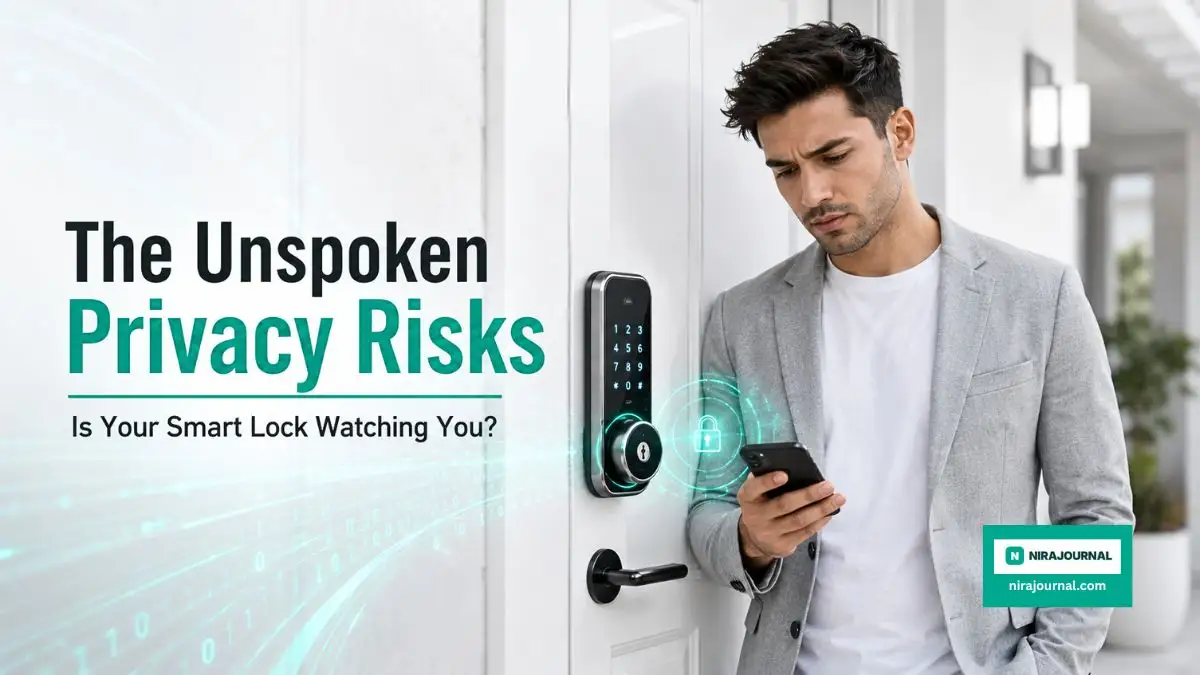
Most of us install smart locks for peace of mind, but we rarely think about the digital trail we’re leaving behind. Every time you unlock your door, you aren't just moving a bolt; you’re generating data that lives on a corporate server. If you value your privacy as much as your physical safety, you need to know what happens behind that glowing keypad.
A software glitch in my lock’s app once triggered a "guest profile" notification while I was away. Even though it was a false alarm, it made me realize how little I knew about the software controlling my front door. It wasn't just a lock; it was a device recording my life.
For a long time, I bought into the hype that upgrading to a digital lock was the best way to secure my family. I loved the convenience of never carrying physical keys and unlocking the door with a simple tap on my smartphone. But I completely ignored the hidden data collection that was happening quietly in the background. Every time I left for work, returned from the gym, or had a friend come over, the lock recorded it and sent it to a server.
Most homeowners make this trade-off without a second thought. We install these gadgets for mental peace, but we often end up trading our most private habits for a little bit of convenience. It is incredibly unsettling when you realize a third-party server knows exactly when your house is empty or when your family is asleep.
We think we are buying a strong metal deadbolt, but we are actually installing a tiny surveillance computer right at our front entrance. And if we do not take control of how these devices operate, our private lives become an open book for tech companies and digital criminals.
The Reality of Constantly Connected Doorways
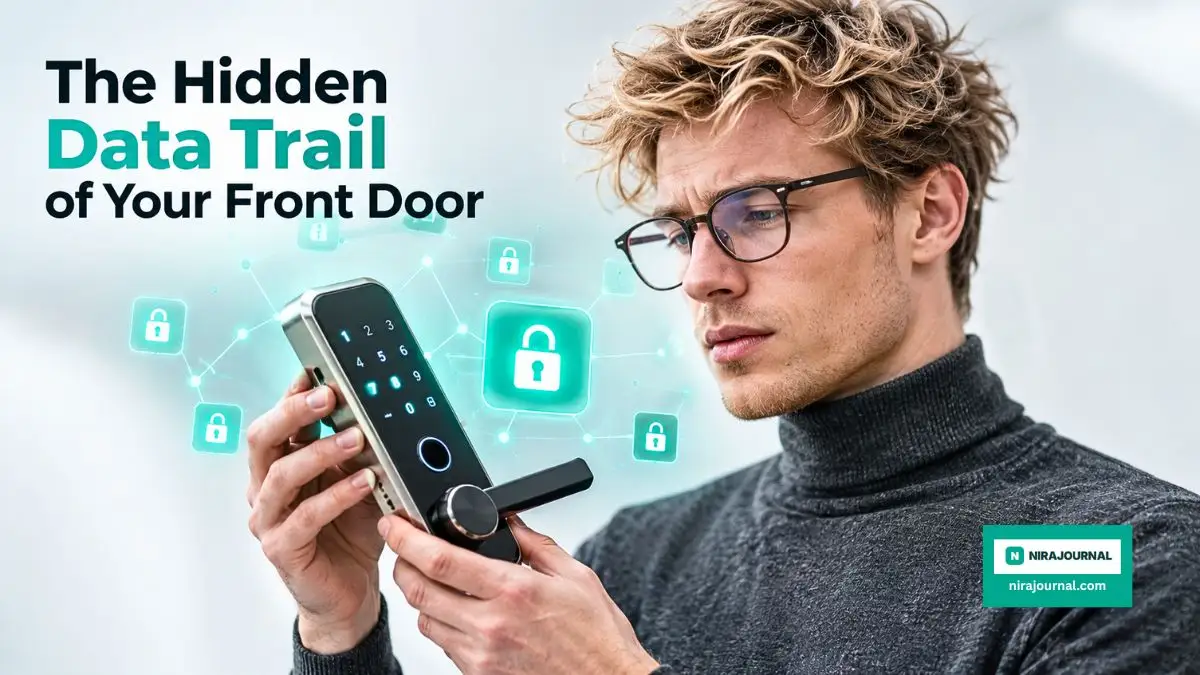
Think of your smart lock as a digital diary. It doesn't just grant access; it logs exactly who enters your home and when. Before you connect it to your Wi-Fi, you should understand how this data moves from your front door to the cloud.
This information doesn't stay inside the lock. It travels through your router and straight to the manufacturer’s servers. While it’s convenient to check your lock status from your phone while at work, this connection creates a risk. If the company ever suffers a data breach, your private daily routine could be exposed to the wrong people.
Recently, digital rights groups have started raising massive red flags about this exact issue. For example, experts at the Electronic Frontier Foundation have detailed how smart locks endanger tenant privacy and should be heavily regulated by authorities. They highlight how property managers and tech companies can easily abuse this sensitive location data without your explicit consent.
You should never assume that your data is safe just because a brand is popular. Many companies state in their long, confusing privacy policies that they can share anonymized usage data with marketing partners. But when it comes to the front door of your home, there is no such thing as truly anonymous data. Your entering and exiting habits paint a perfect picture of your lifestyle.
Bridging the Gap Between Convenience and Danger
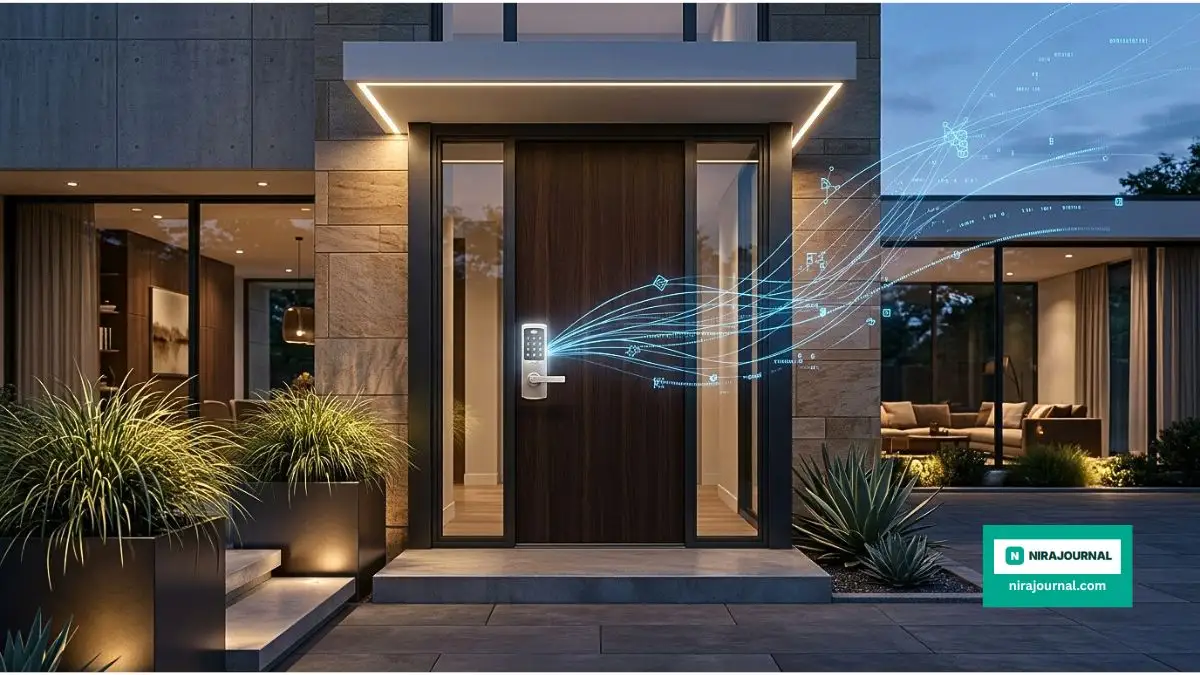
The biggest weak point in any smart home setup is usually the bridge that connects your devices to the internet. Most smart locks use Bluetooth to communicate with a small plug-in bridge, which then connects to your home Wi-Fi. This bridge is constantly broadcasting signals. If an attacker sits in a car outside your house with a laptop, they can potentially intercept these signals using very basic hacking tools.
According to extensive consumer research published by the National Institute of Standards and Technology, smart home technologies expose users to increased risks regarding information privacy, yet many people ignore these threats just for the sake of an easier life. We blindly trust that the software is secure right out of the box.
When you build a connected home network, you need strong digital protection right at the router level. You cannot just install a basic free security program on your computer and expect it to protect your smart doorbell and locks. In fact, there are Critical Limitations You Must Know Before Relying on Free Antivirus Software that can leave your entire home network completely exposed to outside threats. You have to think about security from the ground up.
If an attacker manages to get onto your Wi-Fi network, they do not need to physically break your door down. They can simply send a digital command to unlock the deadbolt. This is why treating your digital security with the same respect as your physical security is absolutely necessary.
My Personal Strategy for Immediate Protection
Here is a small secret from my own experience. I used to keep my door lock connected to my main home Wi-Fi network, right alongside my personal laptop and banking phone. That was a huge mistake.
Once I realized the massive privacy risks, I created a completely separate "Guest Network" on my router just for my smart home gadgets. It took me barely five minutes to set up, but it completely stopped my smart lock from having any direct access to my personal data and work files. Now, even if the lock gets compromised, the hackers cannot reach my sensitive personal devices.
The Hidden Reality of Long-Term Tech Ownership
Adopting smart technology often comes with hidden expenses and heavy responsibilities that nobody warns you about in the fancy advertisements. Buying the lock is only the very first step of the journey. Once it is installed, you are officially locked into an ecosystem that requires constant maintenance and software management.
It is very similar to how the automotive industry operates today. For instance, many people are shocked when they finally realize the Understanding the True Long-Term Maintenance Costs of Owning Electric Vehicles. Just like those highly advanced cars, a smart door lock requires ongoing attention, battery replacements, and sometimes expensive subscription fees just to keep your video storage active.
If you stop paying attention to your lock's digital health, it will eventually become a major security hazard. Software updates are the only way to patch new vulnerabilities that hackers discover. But most people install the lock and never open the settings menu again.
When a company releases a firmware update, they are usually fixing a hole in their security fence. If you ignore that update because you are too busy, you are basically leaving the front gate wide open. Hackers actively scan residential neighborhoods for outdated smart home devices because they are incredibly easy targets.
How Hackers Actually Bypass Digital Locks
If you think your digital deadbolt is completely hacker-proof, you need to watch this shocking demonstration of how easily unauthorized users can intercept your unlock signal. Take a quick look at the video below to understand the real threat, and then keep reading to learn exactly how you can block these attacks today.
The Big Debate: Cloud Storage vs. Local Processing
Choosing the right storage method is the biggest privacy decision you'll make. Here is a quick breakdown of how they compare:
One of the smartest questions you can ask yourself before keeping a smart lock is: where does my data actually live? There are generally two types of systems available on the market today. One relies entirely on cloud servers, and the other processes everything locally inside your own home.
Cloud-based locks are the most common. They send every piece of data up to a server located hundreds of miles away. The company processes the unlock command and sends it back to your door in milliseconds. While this allows for seamless integration with voice assistants, it heavily exposes your data to third-party breaches. If the cloud goes down, you might be locked out of your own house.
On the other hand, locally processed locks keep all your data on a physical hub inside your house. They do not need to bounce your personal information off a corporate server just to turn the deadbolt. This drastically reduces your privacy risks. Even if the internet goes down entirely, a local system will still function perfectly using your internal network.
Choosing local storage means you are taking ownership of your data. You are telling tech companies that your family's routine is not for sale. It might take a bit more effort to set up initially, but the peace of mind is incredibly rewarding.
Practical Steps to Reclaim Your Digital Sanctuary
Protecting your home does not mean you have to throw your smart lock in the trash. It simply means you need to get much smarter about how you configure it. The default settings on these devices are designed to collect as much data as possible. You have to go into the mobile app and manually turn off the tracking features you do not actually need.
Start by disabling the automatic geofencing feature. Many locks use your phone's GPS to automatically unlock the door as you drive into your neighborhood. This sounds incredibly cool, but it means the app is tracking your exact location 24 hours a day. Turn this off and just use your fingerprint or a PIN code instead.
Next, audit the guest profiles inside your application. We often create temporary access codes for babysitters, dog walkers, or delivery drivers. But we almost always forget to delete those codes when the job is done. A dormant access code is a massive vulnerability. Set a strict calendar reminder to delete old user profiles at the end of every single month.
Finally, cover the basics of password hygiene. Never use the default password that came printed on the box of your smart lock bridge. Change it to a complex phrase that includes numbers and symbols. Enable two-factor authentication on your lock's mobile app immediately. This ensures that even if someone guesses your password, they cannot log into your account without a special code sent to your phone.
These small, everyday adjustments create a massive wall of defense around your digital privacy. You deserve to feel completely safe in your own home, without worrying about invisible data collectors tracking your every footstep. Taking control of your smart security system is the very best way to protect both your physical property and your family's personal privacy.
Next-Level Strategies for Bulletproof Doorway Privacy
Protecting your physical home while maintaining your digital privacy is absolutely possible, but it requires going beyond the basic setup. Most people simply plug in their new gadget, connect it to the internet, and never look at the settings again. If you want to keep your family completely safe from hidden data tracking, you have to take a more active role.
This means understanding how your devices talk to each other. Your front door does not need to broadcast its status to the entire world just so you can open it with your phone. Let us explore some powerful, everyday tactics that will put you back in control of your personal information.
The Magic of Local Communication Hubs
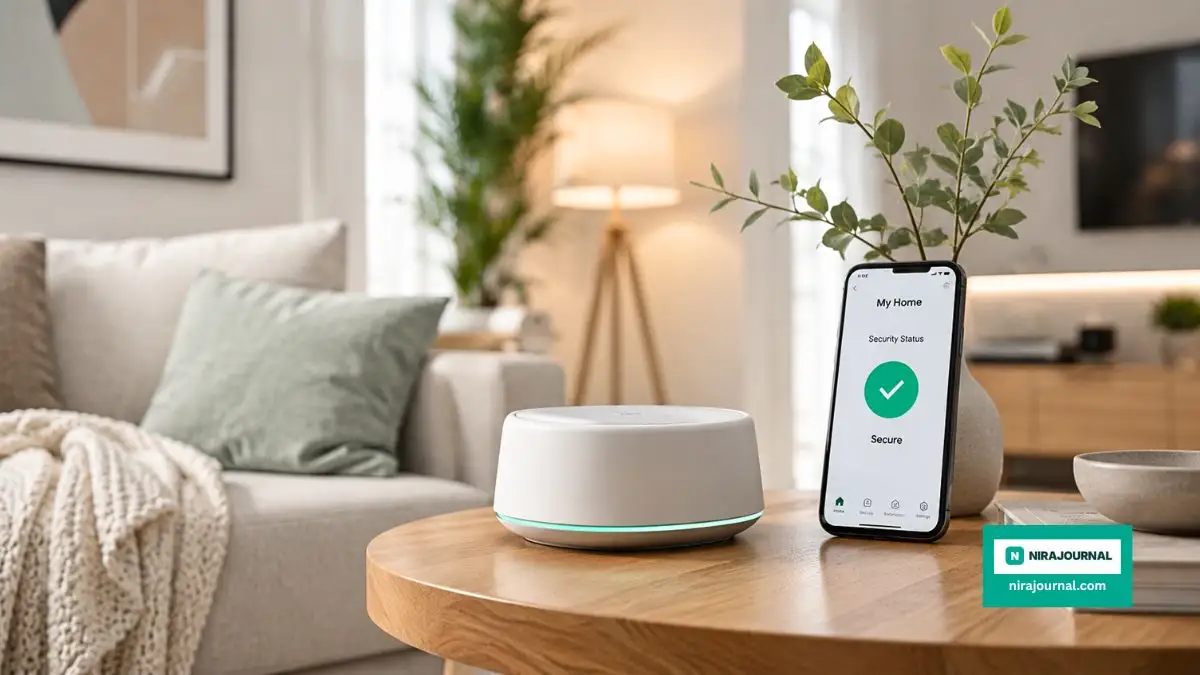
One of the smartest upgrades you can make is moving away from direct Wi-Fi connections. When your lock connects straight to your home router, it usually talks directly to a distant cloud server. Instead, look into smart home hubs that use local protocols like Z-Wave or Zigbee.
These local protocols are essentially private languages that your smart devices use to talk to a central hub inside your living room. The hub acts as a strict security guard, managing all the commands locally without sending your daily schedule to the internet. If the internet goes down, your smart home still works perfectly because everything is processed right there on your desk.
This setup drastically cuts down the amount of personal data leaving your property. The manufacturer's servers have no idea when you leave for work because the lock is only talking to your private indoor hub. It is a brilliant way to enjoy the convenience of modern technology without acting as a free data source for massive tech companies.
Auditing Your Connected Mobile Apps
We often forget that the biggest privacy leak is sitting right inside our pockets. The mobile app you use to control your door is constantly running in the background, collecting tiny bits of information about your daily life. You need to take five minutes today to audit what permissions this app actually has.
Go into your smartphone settings and look closely at the smart lock application. Does it really need permanent access to your microphone, your photo gallery, or your exact GPS location? In most cases, the answer is a massive no. Turn off every single permission that is not absolutely necessary for the basic functioning of the deadbolt.
Many of us love integrating our home security with our favorite smartwatches for quick access. But this creates another layer of data sharing across multiple devices. If you are deeply invested in wearable tech, you might also find yourself questioning other metrics, much like those Evaluating the Actual Accuracy of Sleep Tracking Features in Modern Wearables. Every single device you link to your door creates a new potential pathway for your personal data to escape.
Setting Up Digital Boundaries
Creating boundaries for your devices is just as important as setting physical boundaries for your property. I highly recommend turning off the auto-unlock feature entirely. This feature constantly tracks your phone's location to open the door as you walk up to the porch.
While auto-unlock feels like absolute magic, it is a privacy nightmare. It requires your phone to constantly share your geographic coordinates with the lock's software. By simply typing in a quick PIN code or scanning your thumbprint instead, you completely eliminate the need for this constant location surveillance.
You should also take advantage of independent privacy resources to research your specific brand of hardware. For example, researchers at the Mozilla Foundation have created excellent guides detailing exactly how popular smart home gadgets actually track your private data behind closed doors. Reading independent reviews like this can help you adjust your specific app settings to block hidden trackers.
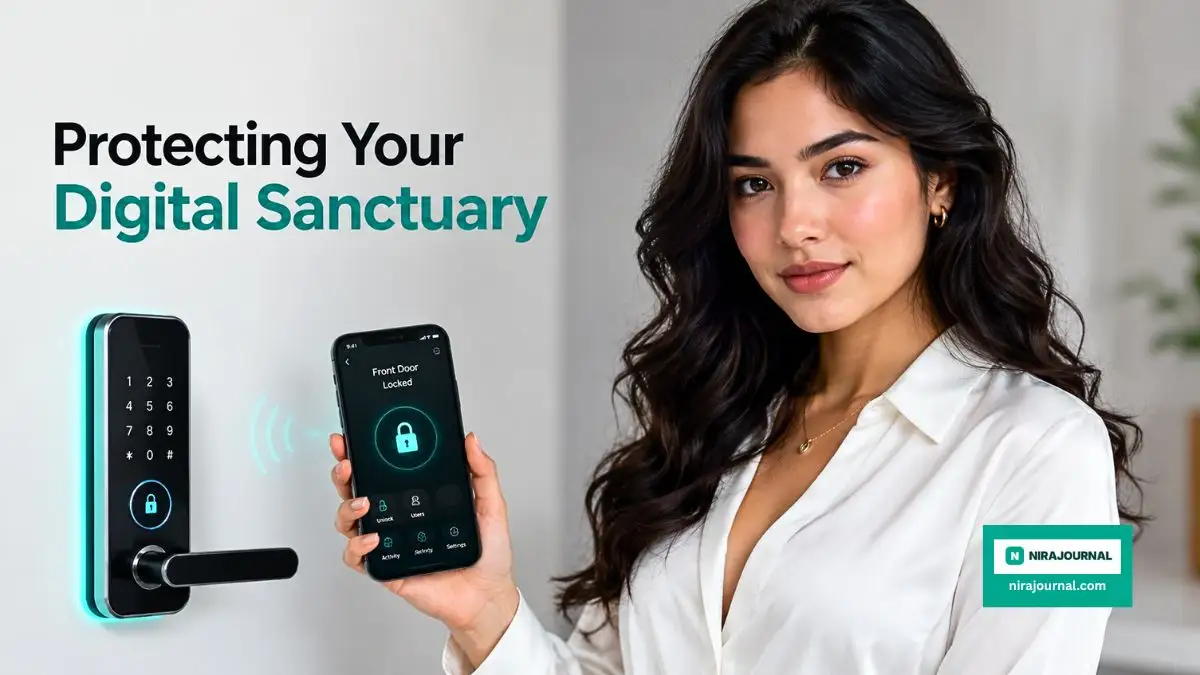
The Dangerous Traps We Unknowingly Fall Into
When we upgrade our homes, we usually focus entirely on making our lives easier and more comfortable. Because of this excitement, we often stumble into some really nasty security traps without even realizing it. These mistakes seem harmless at first, but they can easily compromise the safety of your entire family over time.
The most terrifying part is that these vulnerabilities are completely invisible. You cannot see a hacker attempting to intercept your digital keys, and you cannot see a tech company quietly logging your weekend activities. Let us walk through the most common pitfalls so you can avoid them completely.
The Voice Assistant Bypass Nightmare
Connecting your smart deadbolt to popular voice assistants like Alexa or Google Assistant is incredibly popular right now. People love being able to shout across the kitchen to lock the house at night. However, this is one of the most dangerous things you can do to your home security.
Think about how loud your voice can be, and how sensitive those smart speakers are. Clever intruders have literally stood outside open windows and shouted commands to unlock the front door. If you do not have a mandatory voice PIN code set up, the speaker will happily obey the stranger and let them right inside.
Even if you set up a PIN code, you are still speaking your secret password out loud where anyone passing by might hear it. I strongly advise completely disconnecting your main entry points from any voice-activated systems. It is simply not worth risking your physical safety just to save three seconds of walking to the door.
Overloading Your Main Home Router
Another massive mistake people make is connecting every single smart plug, camera, and lock to their primary Wi-Fi network. Your standard internet router is not built to handle dozens of highly vulnerable internet-of-things devices. When you overload this network, you create massive blind spots in your digital defense.
Think of your router like a dedicated web server managing traffic. Just as online businesses often struggle when they fail at Analyzing the Hidden Resource Limits Strictly Imposed by Shared Web Hosting Plans, your home network becomes incredibly unstable and insecure when you overload it with cheap smart gadgets. One poorly secured smart bulb can give a hacker a direct bridge into your personal laptop.
To fix this, always put your smart home devices on a completely separate "Guest Wi-Fi" network. This creates a solid digital wall between your front door lock and your private banking information. If someone manages to hack your lock, they will only find themselves trapped on a blank network with nowhere else to go.
Ignoring the Silent Software Updates
We all hate getting those annoying pop-up notifications telling us to update our software. It is incredibly tempting to just hit "remind me later" and completely forget about it. But ignoring firmware updates for your door lock is basically leaving a physical key hidden under your welcome mat.
When a company pushes an update to your device, they are usually doing it to patch a newly discovered security hole. Hackers share these vulnerabilities online, and they actively look for homes running outdated software. According to federal security experts at CISA, securing your home network from external threats heavily relies on keeping all connected devices updated automatically.
Make it a solid monthly habit to open your smart home app and check for system updates. Better yet, if your app has an option for automatic overnight updates, turn it on immediately. This ensures your home is always protected against the newest digital threats while you are safely asleep.
The Danger of Permanent Guest Codes
Smart Lock "Housekeeping" Checklist
To keep your lock secure, I recommend doing these three things on the first day of every month:
- Clear the History: Delete the entry logs from the previous month to minimize stored data.
- Audit Guest Access: Revoke permissions for anyone who doesn't need immediate access (contractors, old neighbors, or former guests).
- Check Hardware: Wipe down the keypad. Fingerprint smudges on specific numbers are a dead giveaway for your PIN code.
I see this specific mistake happen all the time with my own friends and neighbors. They hire a dog walker for a week or get some plumbing work done, and they create a custom entry code for the contractor. The problem is that they completely forget to delete that code once the job is finished.
Fast forward a few months, and there are suddenly five different active access codes floating around in the wild. You have absolutely no idea who might have written those numbers down or shared them with others. Every active code is a direct threat to your family's peace of mind.
Treat your digital codes exactly like physical spare keys. You would never hand a permanent house key to a one-time repair worker. Always use the "temporary access" feature in your app to ensure the code automatically deletes itself after 24 hours.
I've noticed that physical keypad wear is often overlooked. If you use the same four digits for a year, the "gloss" on those buttons wears down differently than the others. I make it a point to change my code every few months—not just for the software, but to prevent anyone from guessing the code based on the wear patterns on the physical buttons.
Securing Your Peace of Mind for the Long Haul
Bringing connected technology into our homes is meant to give us comfort and protection, not a constant sense of anxiety. We should never have to sacrifice our basic right to privacy just to enjoy the benefits of a keyless entry system. By taking a few extra minutes to configure your settings properly, you can completely change the way your home operates.
It is all about being intentional with your digital choices. Turn off the unnecessary location tracking, separate your Wi-Fi networks, and delete those old guest profiles hiding in your app. These incredibly small actions build a massive fortress around your personal data.
You do not need to be a professional computer programmer to secure your front porch. You just need to look at your smart gadgets with a healthy dose of skepticism and take control of the data they collect. Protect your physical entryways, but always remember to protect your digital entryways with the exact same passion.
My biggest realization was that I am the only one truly responsible for my family's digital safety. I finally took a weekend to lock down every single setting on my devices, and the relief I felt was absolutely incredible. Start making these small changes today, and you will instantly reclaim the peaceful, private sanctuary you truly deserve.
Common Questions About Smart Entry Systems
Can someone hack my lock from a completely different country?
While it sounds like a movie plot, remote hacking is technically possible if your lock is directly connected to the internet through a vulnerable cloud server. However, you can easily stop this by keeping your device software updated and using a strong, unique password. Using a local smart hub instead of direct Wi-Fi also makes remote attacks incredibly difficult.
What actually happens if my home loses power or the internet goes down?
Most smart door locks are completely battery-powered, meaning a basic home power outage will not affect the physical deadbolt at all. If your internet goes down, you simply lose the ability to control the lock remotely from your office. You can always still get inside using the physical keypad, your registered fingerprint, or a traditional backup key.
Are Bluetooth connections safer than standard Wi-Fi locks?
Yes, Bluetooth is generally much safer because it is a short-range communication method. An attacker would literally have to be standing on your front porch to even attempt to intercept the signal. Wi-Fi locks are constantly broadcasting to the internet, which exposes them to a much wider range of distant digital threats.
Should I worry about my lock company selling my data?
Unfortunately, many tech companies hide clauses in their lengthy terms of service that allow them to share anonymized usage data with marketing partners. This is why it is so important to disable any diagnostic sharing settings inside the mobile app. Always choose brands that publicly promise never to sell or share customer data.
How often do I actually need to change my security access PIN?
It is a great security habit to completely change your primary entry PIN every three to four months. Over time, the specific buttons you press on a touchscreen or physical keypad can wear down or show smudge marks. Changing the numbers regularly prevents anyone from guessing your code just by looking at the dirty buttons.
Disclaimer: This article is for informational and educational purposes only and does not constitute professional cybersecurity or legal advice. Technology and software vulnerabilities change rapidly, so always consult directly with device manufacturers or certified security professionals before making significant changes to your home network setup. The author and publisher are not liable for any security breaches or data loss resulting from the use or misuse of the information provided herein.
About the Author
Munira Parveen is a dedicated Digital Content Strategist and Lead Researcher with a passion for simplifying complex topics. From navigating personal finance and emerging tech trends to uncovering the best practical lifestyle solutions, she spends her time analyzing data to bring readers highly accurate, actionable, and easy-to-understand guides. Her ultimate goal is to empower everyday people to make smarter, more informed decisions in this fast-paced digital world.
![The Ugly Truth About Unlimited Web Hosting Plans [Step-by-Step Proof]](https://nirajournal.com/storage/uploads/blogs/1787365406_the-ugly-truth-about-unlimited-web-hosting-plans-step-by-step-proof.webp)
![Why Your Free Antivirus Is Actually Putting You at Risk [The Truth]](https://nirajournal.com/storage/uploads/blogs/1787310430_why-your-free-antivirus-is-actually-putting-you-at-risk-the-truth.webp)