
Quick Wins to Save Your Tech
- Audit First: Always check storage and background apps before assuming hardware failure.
- The 20-80 Rule: Keep your battery charge between 20% and 80% to maximize its lifespan.
- Security Check: If your device no longer gets security updates, it is time to replace it.
- Heat is the Enemy: Keep gadgets away from direct sun or hot cars to prevent permanent internal damage.
The Reality of Our Disappearing Tech Peace
We’ve all been there—staring at a frozen screen while our patience evaporates. It’s not just about losing a phone; it’s the sudden, jarring disconnect from your digital world that hurts. I want to help you figure out if your gear is actually dying or if it just needs a little bit of breathing room. Let's look at how you can stop the panic and start making smarter tech choices today.
It is a feeling many of us know too well. We buy these sleek, expensive gadgets, and for a while, they are perfect. But then, updates slow them down, the battery starts draining by noon, or a small crack turns into a bigger issue. We get caught in this cycle of panic and confusion. Do I pay for a costly repair, or is it finally time to upgrade? The pressure to keep up with the latest trends makes us feel like we are falling behind if our tech isn't brand new.
This struggle isn't just about money; it’s about our mental peace. Every time my device fails, I lose focus. I start worrying about data loss, finding a reputable repair shop, or spending hours setting up a new phone. It drains my energy and steals the time I should be spending on things that actually matter. It is exhausting to constantly feel like your tools are working against you instead of for you.
When tech breaks, it disrupts your rhythm. You might be struggling to manage your daily tasks while your device is unreliable. If you are feeling overwhelmed by these constant digital hurdles, you might find some comfort in 7 Proven Secrets to Master Stress and Restore Mental Peace [Step-by-Step]. Taking control of your environment often starts by simplifying the tools you use every single day.
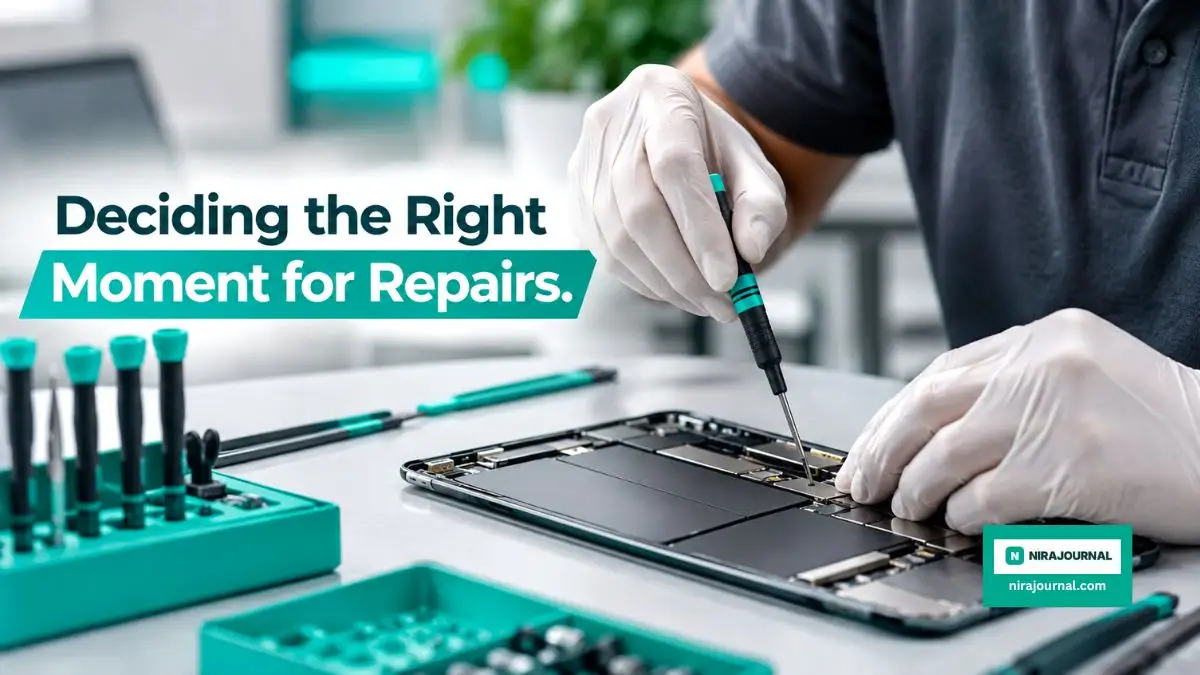
Assessing the Health of Your Gadgets
To stop the cycle of frustration, you need a clear way to evaluate your devices. You do not need to be a hardware expert to make smart decisions. It starts with a simple audit of how the device performs in your daily life. Is the slow speed a software glitch, or is the hardware truly dying? Let us break down the signs that indicate a device is nearing the end of its useful life.

The Software vs. Hardware Trap
Often, we think a device is "broken" when it is just cluttered. Before you panic, check if your storage is nearly full or if background apps are hogging your memory. If your device is only a few cycles old, Navigating the Early Stages of a Startup: Common Pitfalls to Avoid in your digital management can often save you from unnecessary spending. A clean system can breathe new life into an aging phone or laptop.
Many users assume that a laggy interface means the CPU is obsolete. In reality, modern software updates often demand more resources than older hardware can comfortably provide. However, a factory reset can sometimes strip away years of digital "junk" that accumulated over time. Think of it like deep-cleaning a house; sometimes you just need to clear out the attic to regain your space.
Identifying Fatal Hardware Failures
There are times when no amount of software cleaning will help. If your battery bloats, the charging port physically breaks, or the motherboard begins to fail, the cost of repair might exceed the value of the device. According to recent reports on electronic waste and sustainability from the Environmental Protection Agency, extending the life of electronics is better for the environment. If a repair costs more than fifty percent of a new model, it is usually a sign to move on.
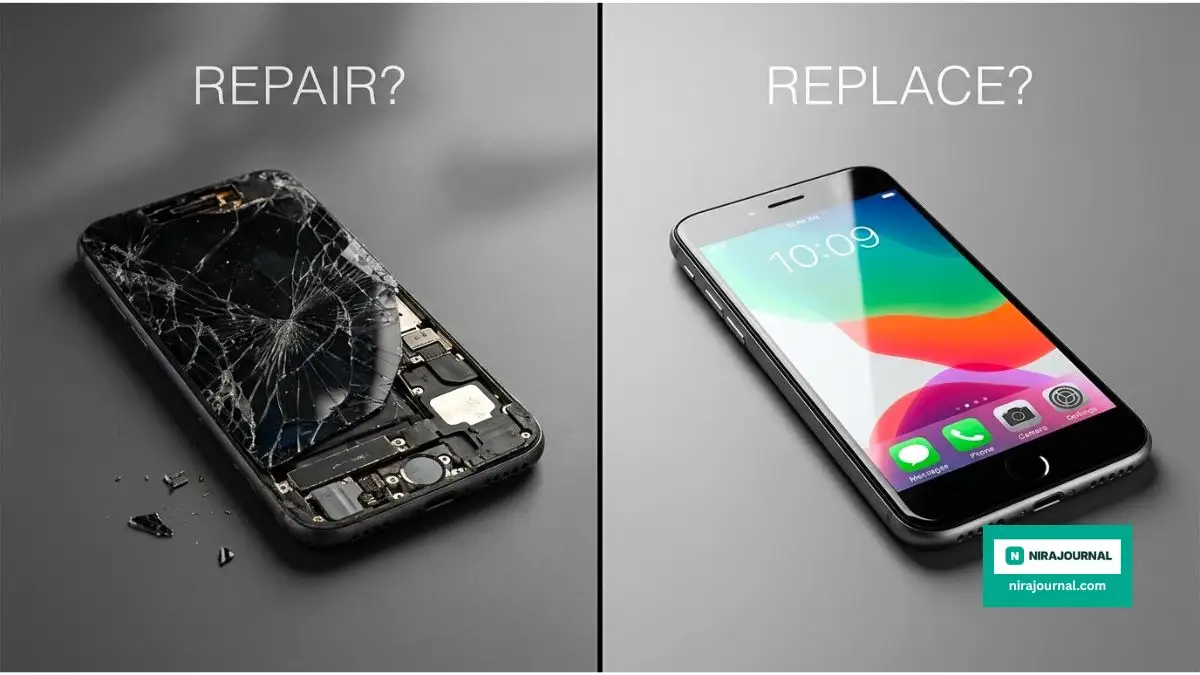
Hardware failure is often physical and visible. A swelling battery is a dangerous sign that requires immediate attention and should never be ignored. When internal components like the motherboard show signs of failure, such as random reboots or the inability to hold a charge, it is a clear indicator that the structural integrity of the device is compromised. Don't risk your data by clinging to failing hardware.
The Lifecycle Logic
Every gadget has a "sweet spot" for performance. Typically, after a certain number of years, manufacturers stop sending security updates. Once a device stops receiving these, it becomes a security risk. This is a non-negotiable point. If your device can no longer run modern security patches, it is time to upgrade, regardless of how well the screen or battery still works.
Think of your device's security like the lock on your front door. If the manufacturer stops providing keys and maintenance, the lock becomes easier to pick. You wouldn't leave your house vulnerable, so why leave your digital life exposed? Using an outdated, unsupported device is a risk that simply isn't worth taking in our connected age.
When to Choose Repair Over Replacement
Repairing your device is often the smarter choice if the issue is minor. A cracked screen, a worn-out battery, or a sticky button can be fixed for a fraction of the cost of a new device. These components are designed to be replaceable in many models.
Understanding the Cost-Benefit Ratio
When your device breaks, take a moment to breathe before heading to the store. Research the cost of the part needed and compare it to the current market value of your used device. If the repair cost is low and you love the device, stick with it. If the repair is complex and expensive, the money might be better spent on a newer, more reliable model.
Pro Tip: My Realization
Honestly, I once spent an entire Saturday trying to replace a charging port on my old tablet just to save fifty bucks, only to accidentally break the screen ribbon cable. It was a total nightmare! Since then, I’ve learned that sometimes, knowing when to admit defeat and call a professional is the best way to save both time and money.
That said, don't rush to the repair shop just yet. I also once replaced an expensive laptop because I thought it was 'dying' from overheating, only to find out it was just clogged with dust. A ten-minute cleaning could have saved me hundreds. My advice? Always check for simple mechanical fixes or dust buildup before assuming the internals are fried.
Before you decide to spend money on fixing your aging devices, watch this eye-opening breakdown of why some repairs are actually traps. Understanding the hidden costs will save you from making a regrettable mistake.
Check out this quick guide to see if your device's issue is a simple fix or a sign that you really need a new one.
Evaluating Repairability
Not all gadgets are created equal. Some devices are glued shut, making repairs almost impossible. Before you buy your next piece of tech, check its repairability score on sites like iFixit. Knowing how easy a device is to open can save you a world of trouble down the line. If you choose devices that are easy to repair, you are effectively buying yourself extra years of use.
Design choices by manufacturers often prioritize aesthetics over utility. When a device is impossible to open without breaking it, that is a design choice that limits your freedom. By supporting brands that prioritize modularity and repairability, you send a message to the industry that consumers value longevity over thinness.
The Emotional vs. Logical Balance
We often hold onto devices because of the data or memories inside them. While it is important to keep your photos and files safe, remember that these are just tools. Do not let a device dictate your mood. If a repair is too expensive or unreliable, let it go. You are better off investing in a stable, new tool than fighting with a failing one every morning.
Thoughts on Longevity
Consistency is the key to longevity. Create a habit of backing up your data to the cloud or an external drive every single week. This way, if your device ever does die suddenly, you won't feel that crushing loss of personal memories or important work documents. Your tools should serve you, and with the right care, they can serve you well for a long time.
Advanced Mastery: Taking Charge of Your Gadget Ecosystem
Maintaining your devices does not have to be a chore if you integrate a few high-level strategies into your routine. The secret lies in treating your electronics like any other investment, such as a car or a home appliance. You should regularly audit your digital landscape to ensure you aren't carrying dead weight. If you find your devices are cluttering your life rather than simplifying it, you might find inspiration in Energy Independence: Practical Steps to Reduce Your Home’s Carbon Footprint to adopt a more streamlined, eco-friendly approach to your daily tools.
The Power of Proactive Maintenance
Most people wait for a screen to crack or a battery to swell before they think about "maintenance." True power users know that performance degradation starts in the background. You should perform a "Data Detox" once every few months by removing unused applications and clearing cached files that you no longer need. This reduces the strain on your processor and keeps your device running cooler for longer periods.
Optimizing Battery Longevity
The lithium-ion batteries in our phones and laptops have a finite lifespan, but you can stretch it significantly. Avoid letting your device hit zero percent charge, as this causes deep stress to the battery chemistry. Keeping your charge levels between twenty and eighty percent is widely considered a best practice by industry experts for extending battery health. When you are not using your device for a long period, store it at a fifty percent charge in a cool, dry place.
The Art of Software Hygiene
Security updates are not just about new features; they are the shield that keeps your device stable and safe. If you ignore updates, your device becomes prone to slow performance and security vulnerabilities. I make it a point to check for firmware updates once a week. This simple habit keeps my operating system lean and ensures my hardware is communicating perfectly with the latest software.
Environment Matters More Than You Think
Heat is the silent enemy of all smart devices. Leaving your gadgets in a hot car or near a window with direct sunlight will accelerate the decay of internal components. I once ruined a perfectly good tablet by leaving it in my bag during a hot summer day. I learned the hard way that protecting your hardware from extreme temperatures is just as important as protecting it from physical drops.

Pitfalls That Drain Your Wallet
It is easy to fall into the trap of constant upgrades, but this habit often costs us more than just money. Many people replace their perfectly functional devices because they mistake a minor software glitch for a hardware failure. This impulsive behavior stops you from achieving long-term financial stability. If you want to get better at managing your resources, look into Building a Sustainable Online Income: Avoiding Common Pitfalls for Beginners to change how you view your spending.
The "New Shiny Object" Syndrome
Marketing campaigns are designed to make you feel like your current device is obsolete. They create a sense of urgency that forces you to abandon hardware that still has years of life left. You must resist the urge to buy the latest model just for the sake of having it. A device should only be replaced when its function no longer serves your core needs.
Ignoring the Hidden Costs of Neglect
Neglecting simple tasks like cleaning your charging port or using a protective case can lead to expensive repairs. I have seen countless devices die simply because dust blocked the cooling vents or lint got stuck in the port. These are preventable issues that end up costing hundreds of dollars in repair fees. By ignoring the small things, you are essentially paying a "neglect tax" on your own property.
DIY Repair Disasters
While I am a big fan of fixing things, attempting a complex repair without the right tools is a recipe for disaster. If you try to pry open a device that requires specialized equipment, you risk damaging the delicate ribbon cables inside. It is okay to be handy, but know your limits. If a repair feels too risky, it is always better to pay a professional rather than turning a small issue into a total loss.
A Balanced Path Forward
Deciding between repairing or replacing your tech is a personal journey that gets easier with practice. By shifting your mindset from "consumer" to "custodian," you gain control over your digital environment. You save money, reduce electronic waste, and ultimately enjoy a more reliable experience. My own journey with technology changed when I stopped treating my phone as a disposable item and started seeing it as a tool that I am responsible for. I encourage you to look at your current gadgets today with a fresh perspective. Take one small step, like cleaning your screen or organizing your files, and you will see how much more life you can squeeze out of the technology you already own.
Your Burning Tech Questions Answered
How do I know if my battery is truly dying?
Most modern devices have a built-in health check in the settings menu that tells you the maximum capacity of your battery. If that percentage is below eighty, you will notice significantly shorter usage times and potentially random shutdowns.
Is it ever worth repairing a device that is over five years old?
Usually, no, because the software will likely stop being supported soon. However, if you only use the device for simple tasks like reading or basic typing, a minor repair could be a cheap way to keep it going for a while longer.
Why does my phone get so hot when I charge it?
It is normal for a device to get warm while charging, but it should never be scorching. If it feels extremely hot, stop using it immediately, remove the case, and let it cool down in a well-ventilated area.
Can I fix a software glitch by myself?
Absolutely, and that should always be your first step. Back up your important data, perform a factory reset, and start fresh; this resolves the vast majority of performance issues that seem like hardware failures.
Quick Myth vs. Fact:
- Myth: "Leaving my phone plugged in overnight destroys the battery."
- Fact: Modern smartphones have smart-charging chips that stop power intake once at 100%. The real killer is heat, not the charger itself!
What is the most common reason for a device to slow down?
The most frequent culprit is insufficient storage space or too many apps running in the background. Clearing out unused media and limiting background processes usually restores most of your original speed.
Disclaimer: This article is for informational purposes only and does not constitute professional technical advice. We are not responsible for any damage to your hardware or loss of data caused by following the suggestions provided. Always consult with authorized service providers for complex repairs.
About the Author
Munira Parveen is a dedicated Digital Content Strategist and Lead Researcher with a passion for simplifying complex topics. From navigating personal finance and emerging tech trends to uncovering the best practical lifestyle solutions, she spends her time analyzing data to bring readers highly accurate, actionable, and easy-to-understand guides. Her ultimate goal is to empower everyday people to make smarter, more informed decisions in this fast-paced digital world.

![5 Hidden Secrets to a Zero-Carbon Home [Avoid These Common Mistakes]](https://nirajournal.com/storage/uploads/blogs/1787275347_5-hidden-secrets-to-a-zero-carbon-home-avoid-these-common-mistakes.webp)
![Are These 5 Common Pitfalls Ruining Your Business? [How to Fix Them]](https://nirajournal.com/storage/uploads/blogs/1787210673_are-these-5-common-pitfalls-ruining-your-business-how-to-fix-them.webp)