The Nightmare of the Disconnected Website
I still remember the exact moment my stomach completely dropped.
I was sitting in my living room late on a Tuesday night, desperately trying to finish a massive project. I had just purchased a shiny new hosting package and confidently hit the 'save' button on my domain dashboard.
I thought I was making a simple update to make my site faster. Instead, within just a few minutes, my entire online business vanished into thin air.
Every single time I refreshed my browser, a terrifying "Server Not Found" error stared aggressively back at me. My hands were literally shaking as I frantically clicked through different settings, completely lost and confused.
The absolute worst part was knowing that my most important clients were trying to review my work at that exact moment.
That single, simple mistake cost me an unbelievable amount of mental peace. It is a terrifying feeling when your online home suddenly goes dark, and you have absolutely no idea how to turn the lights back on.
When regular people face this exact problem, the emotional toll is incredibly heavy. We pour our hearts, souls, and hard-earned money into building beautiful websites. We spend weeks perfecting the design and writing amazing content. But the technical side of the internet can feel like a dark, confusing maze designed to punish us.
When your internet address stops working, your daily life instantly turns chaotic. You stop receiving important business emails. Your visitors see broken security warnings, and they immediately lose trust in your brand. That creeping anxiety follows you throughout the entire day, making it impossible to focus on your family or your actual work. You constantly check your phone, hoping the site magically appears again.
This silent struggle happens to thousands of website owners every single day. The fear of breaking things keeps many people trapped with terrible hosting providers for entirely too long. They simply do not want to risk experiencing the pain of a broken website.
But I want to assure you that you do not have to live with that fear anymore. Moving your digital presence should feel exciting, not terrifying. By understanding a few basic concepts, you can easily take total control of your online assets today.
Getting Your Bearings: The Invisible Internet Post Office
Before you click any buttons or change any settings, we need to understand how the internet actually routes traffic. The easiest way to visualize this entire process is to think about the physical postal system.
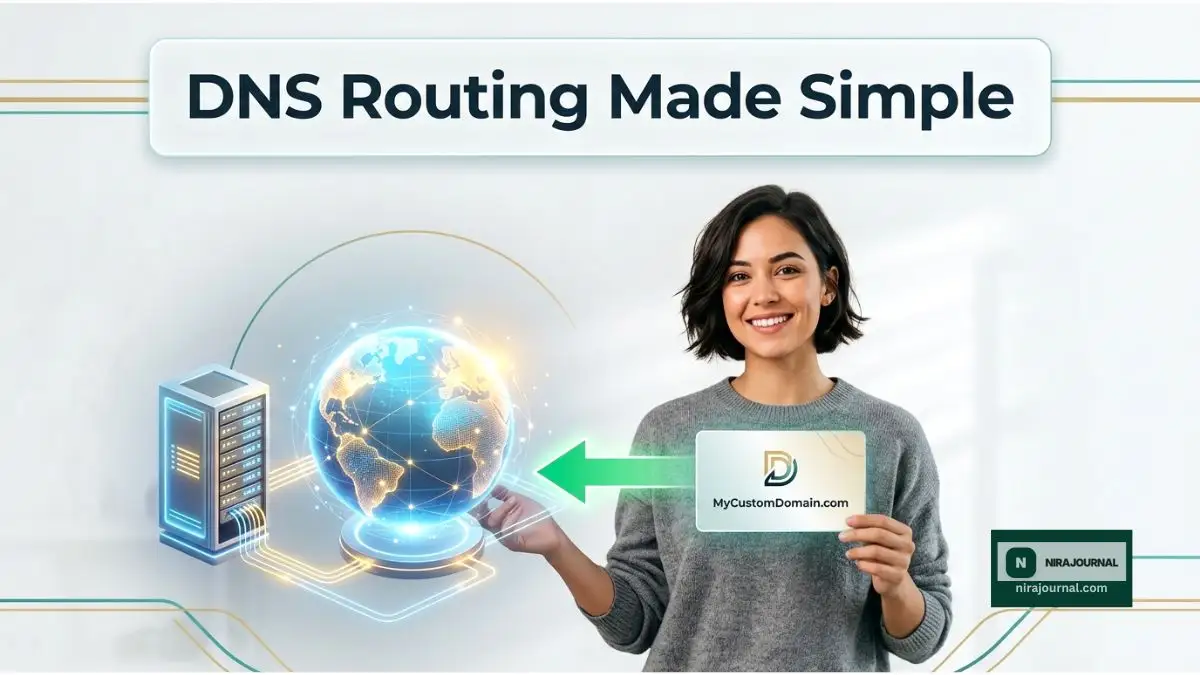
Imagine you are moving to a brand new apartment on the other side of town. Your custom internet address is exactly like your physical street address. People memorize it, they write it down, and they expect to find you there.
Your web server is the physical apartment building where all your furniture, clothes, and personal items live. Right now, your street address points directly to your old apartment. If you move your furniture to the new building without telling the post office, all your mail will still go to the empty, old apartment.
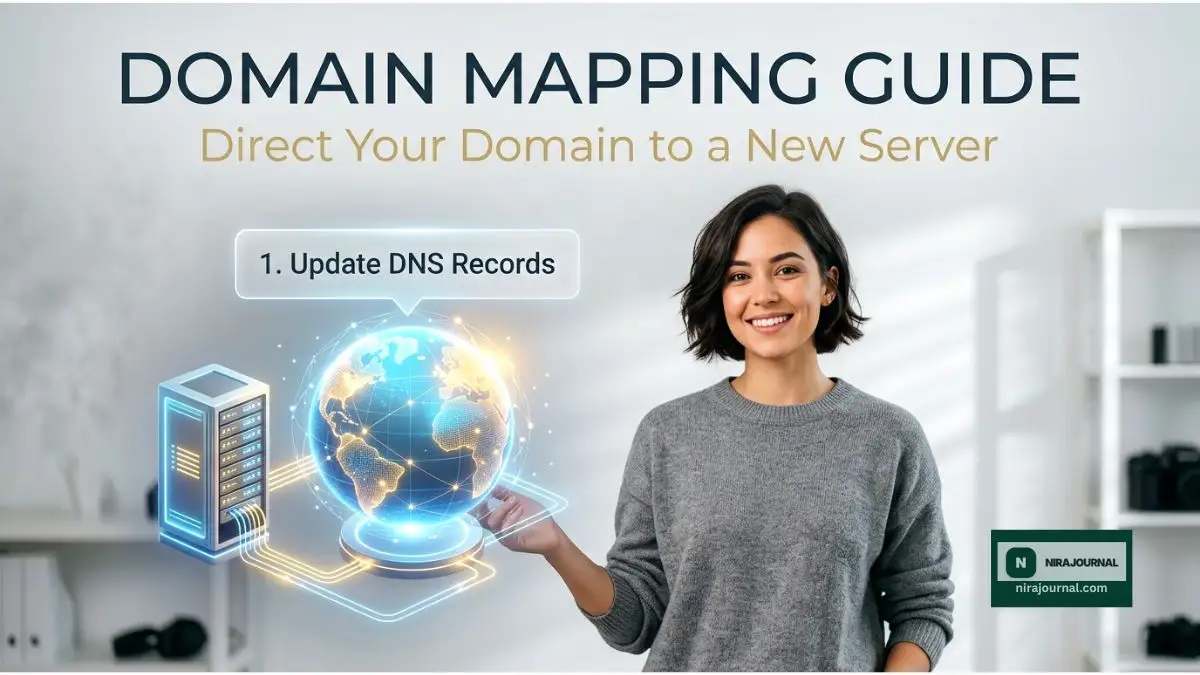
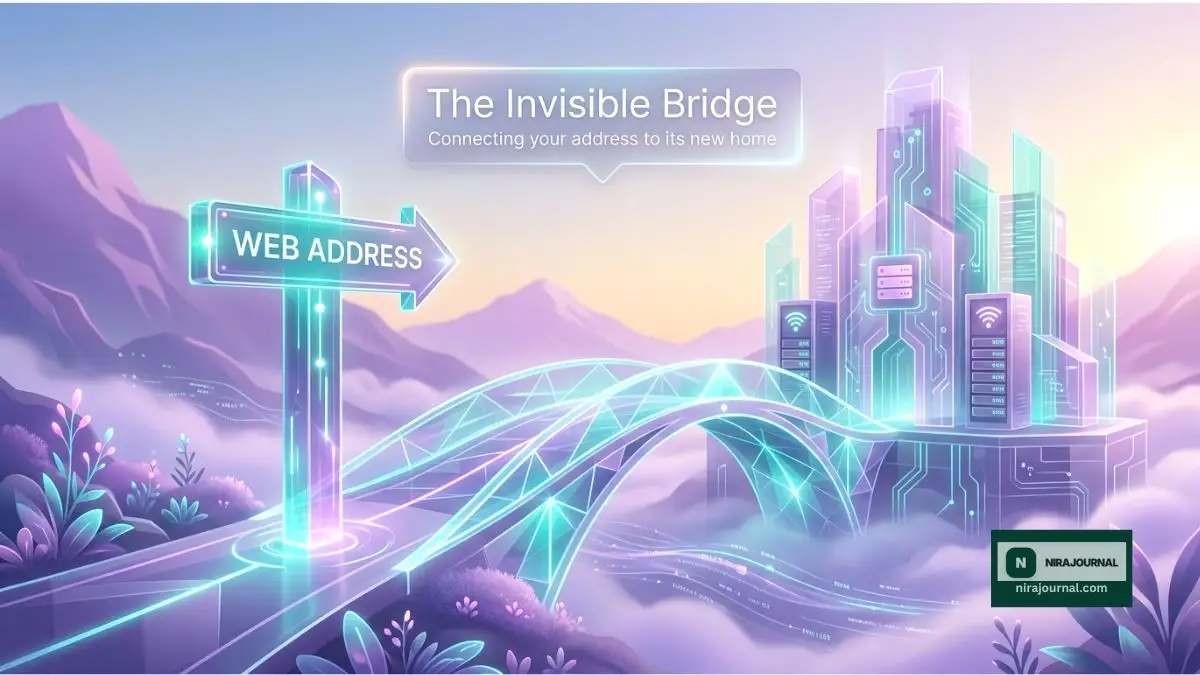
When we map an address to a completely new location, we are simply filling out a digital change-of-address form. We are officially telling the internet's master directory exactly where your new files live.
To do this successfully, you need to log into the company where you originally bought your internet address. This company is called your registrar. Many people get confused because they think they need to make these changes inside their new hosting account.
Your new host is just the empty apartment waiting for you. The registrar is the post office holding your forwarding address. You must go to the post office to change the routing directions.
Decoding the Address Book: Understanding DNS
Now we need to talk about the magical directory that makes all of this work perfectly. This directory is called the Domain Name System.
Computers do not understand human words like your beautiful website name. They only understand long strings of numbers, which we call IP addresses. Every single server in the world has a completely unique IP address.
The domain name system acts as a massive, global address book. When a visitor types your name into their phone, their browser quickly asks this global address book for the matching numbers. Once it finds those numbers, it connects the visitor directly to your server.
If you want to understand the deep technical roots of how this global directory is officially managed by international organizations, you can read about how ICANN coordinates these unique identifiers across the world. It is fascinating to see how billions of requests are handled every single second.
When you move to a new host, your new company will give you a specific set of numbers or routing directions. Your only job is to copy those directions from your new host and paste them directly into your registrar's address book.
There are generally two different ways to paste these directions, and choosing the right one will save you massive headaches. You can either change your Nameservers, or you can update your A Records.
Choosing Your Path: Nameservers vs A Records
This is the exact spot where most beginners make huge mistakes. Let us break down these two options clearly so you can choose the safest route for your specific situation.
Changing your Nameservers is like handing over the entire management of your address book to your new host. It is the most common method recommended by hosting companies because it is incredibly easy. They usually give you two simple lines of text that look like "ns1.newhost.com" and "ns2.newhost.com".
You simply delete the old lines at your registrar and paste the new ones. By doing this, you are telling the internet, "Please ask my new host where all my emails and files belong."
However, there is a hidden danger here. If you rely on your old host for your business email, changing the Nameservers might instantly break your email routing. Your emails will bounce back to the sender, causing massive communication failures.
If you notice prolonged downtime, you might be facing a routing issue across different networks. Why Your Website Isn't Showing Up After Updating DNS Nameservers [Proven Fixes].
The alternative method is updating your A Records. This method requires a tiny bit more effort, but it gives you ultimate, precise control. Instead of handing over the entire address book, you are only changing one specific entry.
You keep your Nameservers exactly exactly the same. You just find the specific line in your existing address book that points to your old website files. You erase the old IP address and paste the new IP address provided by your new host.
Because you are only changing the website routing, your emails remain completely untouched and perfectly safe. This is the absolute best method if you use third-party email tools for your daily business communications.
My personal experience with this process taught me a very hard lesson. I learned the hard way that changing nameservers on a Friday evening is a terrible idea. My entire weekend was ruined because I couldn't reach customer support when things went wrong, so always try to schedule these updates early on a Monday or Tuesday morning.
The Invisible Waiting Game: Mastering Propagation
Once you hit that save button, you might expect your website to instantly appear at its new home. Unfortunately, the internet simply does not work that quickly.
You are about to enter a waiting period known as propagation. This is the most anxiety-inducing part of the entire process, but understanding the science behind it will help you stay calm.
Before you make any actual changes, watching a visual breakdown of the domain name system can save you hours of confusion. Here is a phenomenal visual walkthrough that explains exactly how these internet addresses connect behind the scenes.
Remember that global address book we talked about earlier? Well, there is not just one address book. Every single internet service provider on the planet keeps their own temporary copy of this book.
They do this to make internet browsing incredibly fast. Instead of checking the master directory every time someone visits your site, they just look at their saved copy. This temporary saving process is scientifically known as caching.
When you update your routing directions, you are only updating the master directory. Now, you have to wait for thousands of internet service providers around the globe to realize their saved copies are old. They have to slowly throw away their old copies and download your brand new directions.
This is exactly why your friend in London might see your new website instantly, while you are still seeing the old website on your own phone. Different internet providers update their cached data at entirely different speeds.
For a deep dive into how internet protocols manage these temporary data stores across complex networks, you can explore the technical standards published by the IETF regarding memory and data routing.
Typically, this global updating process takes anywhere from a few hours to a full two days. During this time, your visitors might land on either the old server or the new server.
This is why it is absolutely essential that you do not cancel or delete your old hosting account immediately. You must keep both the old and new servers completely active during this transition window. If you delete the old server too early, anyone looking at an outdated address book copy will see a broken error page.
Managing the Transition Smoothly
To make this waiting period completely stress-free, there is a brilliant trick you can use. You can temporarily lower the "Time to Live" settings in your address book before you make the big move.
Time to Live, often labeled as TTL, is a specific instruction you give to the internet providers. It basically tells them exactly how long they should hold onto their saved copies before checking for an update.
If your current TTL is set to 24 hours, the providers will wait a full day before checking your new routing directions. But if you log in a few days before your move and change that number to just five minutes, you force the entire internet to update almost instantly when you finally make the switch.
Once your site is fully live on the new host, securing the connection for your visitors is your very next big priority. Stop Losing Visitors: A Simple Roadmap to SSL Encryption (Save Time & Money).
You can also use amazing free online tools to watch this global update happen in real-time. There are special websites that will ping your address from dozens of different countries simultaneously. Watching those red crosses slowly turn into green checkmarks across the globe is incredibly satisfying.
If you are staring at your screen for hours and nothing is changing, the problem might actually be inside your own house. Your personal computer and your web browser also save temporary copies of the address book to load pages faster.
You might successfully map everything, but your own computer refuses to let go of the past. Simply clearing your browser history or restarting your internet router will often force your devices to download the freshest routing directions.
By understanding these invisible mechanics, you completely remove the fear of the unknown. You are no longer crossing your fingers and hoping for the best. You are making calculated, confident decisions that protect your visitors and your hard work.
Mastering Your Digital Move: Next-Level Routing Strategies
Once you understand the basic mechanics of how your internet address finds its new home, you can start using the exact same tricks that professional developers use. I want to share a few closely guarded secrets that make moving your website completely invisible to your regular visitors.
These advanced strategies will keep your business running smoothly, protect your professional reputation, and eliminate the terrifying downtime most beginners face. You are no longer just guessing and hoping for the best. You are taking complete control of your digital assets.
One of the most powerful tricks you can use is called the "local preview" method. Imagine having a secret VIP pass to your new apartment before the official opening day. You want to walk around, check the water pressure, and arrange the furniture before you invite any guests inside.
In the digital world, you can actually trick your own computer into looking at your new server before anyone else on the internet can see it. You do this by modifying a hidden file on your computer called the local hosts file.
By adding a simple line of text to this file, you tell your personal machine to completely ignore the global address book. Instead, your computer creates a direct, private bridge straight to your new hosting account. This allows you to test your shopping cart, check your contact forms, and fix broken images in complete privacy.
When everything looks absolutely perfect on the private server, you can confidently update the public routing directions. Once your site is live and secure, you must focus heavily on keeping those files safe from bad actors. Essential Server-Side Security Measures to Protect Your Files from Unauthorized Access.
Protecting your professional business email is another massive priority during this transition. I cannot tell you how many times I have seen small business owners lose incredibly valuable client emails because they ignored their routing setup.
When people type your address to visit your blog, they use the main "A Record". But when someone sends you an email, the internet uses a completely different set of directions called "MX Records". Think of MX records as a highly specialized mailroom inside your apartment building.
If you decide to change your main Nameservers to your new host, you are essentially throwing away your old mailroom instructions. If your business email is hosted by a third-party service like Google Workspace or Microsoft Outlook, your emails will instantly stop arriving.
To prevent this communication disaster, you must manually copy your old mailroom instructions and paste them into your new hosting account. You have to do this before you ever touch the main domain settings.
For a deeper understanding of how these digital mailrooms handle message delivery across complex networks, you can read the comprehensive Cloudflare documentation on MX routing systems. Learning how these global communication standards work will make you much more confident in managing your inbox.
Finally, smart website owners never rely on manual checking to know if their site is working. Constantly refreshing your browser on your phone will just drive you completely crazy.
Instead, you should set up an automated uptime monitoring tool. These are free online services that act like a digital security guard for your online home. They will ping your address from multiple countries every single minute.
If the connection ever drops during the global update period, the security guard instantly sends a text message directly to your phone. This completely removes your anxiety, allowing you to sleep peacefully while the internet works its magic in the background.
The Most Dangerous Traps That Break Websites
Even when you have a solid plan, the excitement of launching a new home can easily lead to a few devastating mistakes. I have made nearly all of these errors myself, and the resulting panic is something I want to help you completely avoid.
The most common and most destructive trap is what I call "The Early Demolition". People get so excited about their new, blazing-fast web server that they immediately cancel their old hosting account to save a few dollars.
This is the exact equivalent of burning down your old house before the moving trucks have even arrived. Remember that the global internet address book takes up to 48 hours to fully update across the globe.
During that waiting period, nearly half of your visitors will still be directed to your old server. If you have already canceled that account, those potential customers will hit a terrifying blank error screen. They will assume your business is permanently closed, and you will lose their trust instantly.
Always keep your old hosting account fully active for at least one full week after making your domain changes. Pay for that extra month of service, because the peace of mind is worth a hundred times more than the few dollars you might save.
Another incredibly painful mistake is ignoring the hidden security locks on your new server. In today's internet environment, every single website must have a working SSL certificate, which provides that little comforting padlock icon in the browser bar.
When you point your address to a brand new location, the old security padlock does not automatically move with it. Your new host has to generate a brand new security certificate for the new location.
If you do not manually trigger this new certificate to generate, your visitors will see a massive, bright red warning screen covering your website. The screen will literally tell them that hackers might be trying to steal their personal information.
Nothing destroys customer confidence faster than a massive browser security warning. You can explore how international security organizations approach secure browsing architectures by reviewing the W3C security architecture guidelines to understand why browsers are so strict about these certificates.
The third trap is the notorious Friday night migration. Many beginners think the weekend is the perfect time to move their digital files because traffic is generally lower.
This is a terrible strategy that will likely ruin your entire weekend. If something goes wrong with your routing directions on a Saturday morning, getting hold of expert technical support becomes incredibly difficult.
Most advanced server engineers do not work on the weekends. You will be stuck talking to level-one support agents who only know how to read basic scripts, while your main source of income sits completely offline.
Always plan your major technical moves for a Tuesday morning. This gives you an entire normal work week to fix any unexpected routing issues while the smartest support technicians are sitting at their desks.
You must also be extremely careful about making tiny spelling mistakes when copying IP numbers. It is incredibly easy to accidentally add an extra space or drop a single digit when pasting your new server numbers.
A single wrong number in your routing directions will send your precious visitors into a digital black hole. They will end up at a random, unrelated server that you do not control. Always copy and paste these numbers, and read them backward to verify every single character before hitting that final save button.
Your Blueprint for a Seamless Online Relaunch
Moving your online business does not have to be a terrifying, sweat-inducing ordeal. By treating your custom address exactly like a physical post office routing system, the entire process becomes highly logical and easy to manage.
You now understand the profound difference between handing over your entire address book versus simply changing one specific routing line. You know how to protect your important business emails, and you understand why the internet needs time to globally update its saved copies.
The absolute best thing you can do right now is write down a simple, personalized checklist before you log into any dashboards. Document exactly which numbers you are changing, what your email settings are, and exactly when you plan to pull the trigger.
Making decisions before the adrenaline kicks in will save you from making emotional mistakes. Take a deep breath, prepare your local testing environment, and trust the logical process you have just learned.
As your online brand grows, you might even consider expanding your digital real estate with different types of names. Strategic Differences Between Popular Domain Extensions and Their Effect on Brand Identity.
I remember being totally paralyzed by the fear of breaking my very first blog during a host migration. But I promise you, once you successfully map your first address and watch that green secure padlock appear on the new server, you will feel an incredible sense of empowerment. You are fully capable of managing your own digital home, so go out there and make that switch with total confidence today!
Common Questions About Connecting Your Digital Address
How long does it actually take for the new server connection to work?
In most modern cases, you will start seeing the new connection work within just one to four hours. However, because thousands of different internet providers handle caching differently, it can technically take up to 48 hours for the entire globe to see the changes. If you lower your TTL settings beforehand, you can drastically reduce this waiting time.
Will my current website go completely offline while I am changing these settings?
Your website will absolutely not go offline if you leave your old hosting account perfectly active during the switch. Visitors will either see the exact copy of your site on the old server or the new server depending on their location. You will only experience downtime if you mistakenly cancel your old plan too early or break your security certificates.
What happens to my old emails when I move to a new host?
Your old emails will remain sitting exactly where they are currently stored, usually on your old hosting server. To prevent any communication loss, you must ensure your MX routing records are pointing to the correct mailroom before you change your main address settings. Always back up your important client messages to your local computer before starting this journey.
Do I have to buy my web address and hosting from the exact same company?
No, you absolutely do not need to keep them at the same company, and many experts prefer keeping them separated. Keeping your address registrar separate from your file server gives you much more control and flexibility if you ever want to change providers later. You simply use the routing tools we discussed to link the two different companies together safely.
Why is my computer still showing the old website after a full day?
Your personal computer and web browser are likely holding onto an old, saved copy of the internet directory to load pages faster. You can usually fix this instantly by clearing your browser's history and cache settings. If that fails, try turning your home internet router off and on again to force a completely fresh network connection.
Disclaimer: The information provided in this article is for educational and informational purposes only. Web hosting interfaces, domain registrar dashboards, and global internet protocols can change frequently. We highly recommend consulting with your specific hosting provider's technical support team before making major changes to your live business infrastructure. We are not responsible for any unexpected downtime, data loss, or technical issues that may occur during your migration process.
About the Author
Munira Parveen is a dedicated Digital Content Strategist and Lead Researcher with a passion for simplifying complex topics. From navigating personal finance and emerging tech trends to uncovering the best practical lifestyle solutions, she spends her time analyzing data to bring readers highly accurate, actionable, and easy-to-understand guides. Her ultimate goal is to empower everyday people to make smarter, more informed decisions in this fast-paced digital world.
![The Hidden Vulnerabilities: Essential Server Security Secrets [Step-by-Step]](https://nirajournal.com/storage/uploads/blogs/1785821004_the-hidden-vulnerabilities-essential-server-security-secrets-step-by-step.webp)